
Was this article helpful?
EPC Warning Light: What It Means on Your VAG Car and What to Do
Everything you need to know about the EPC (Electronic Power Control) light on Volkswagen, Audi, Škoda, and SEAT vehicles: common causes, how to diagnose it, and whether you can keep driving.
EPC stands for Electronic Power Control. This amber warning light is specific to VAG-group vehicles (Volkswagen, Audi, Škoda, SEAT) and signals a fault in the engine management system, throttle body, or accelerator pedal assembly. Seeing EPC does not always mean a major breakdown, but it does require prompt attention.
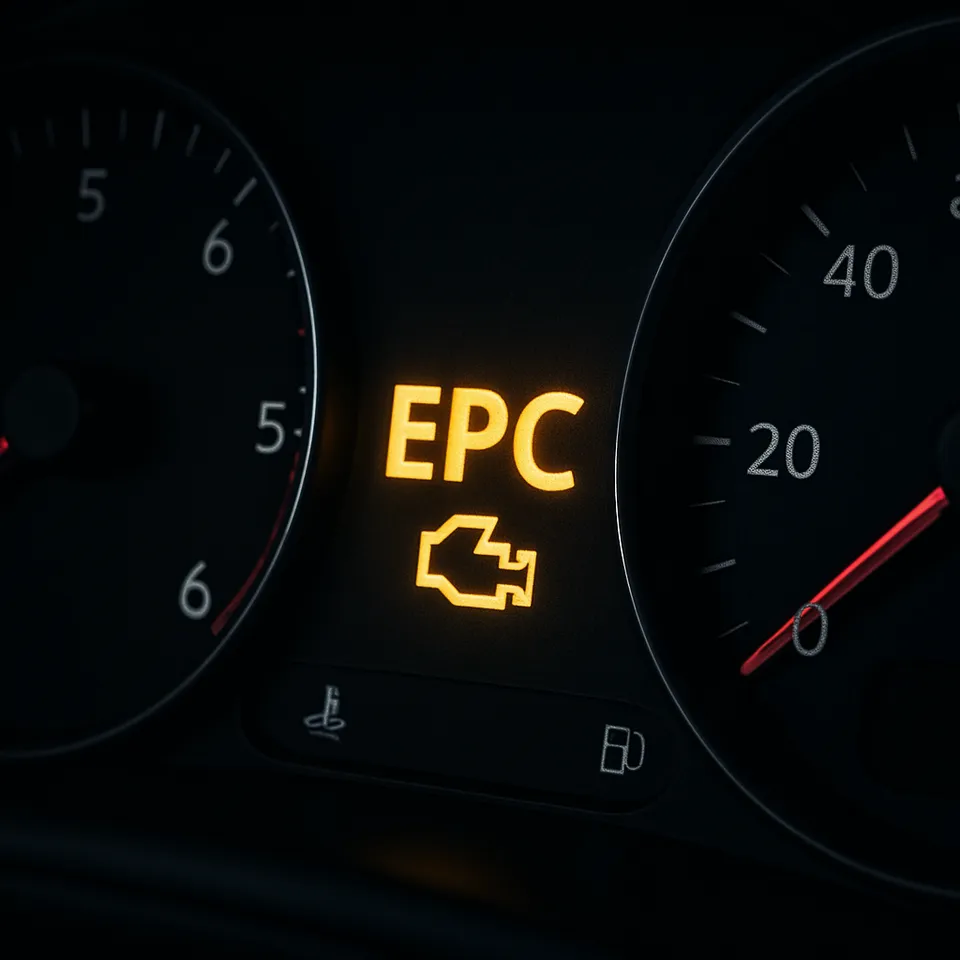
What does the EPC light look like on the dashboard?
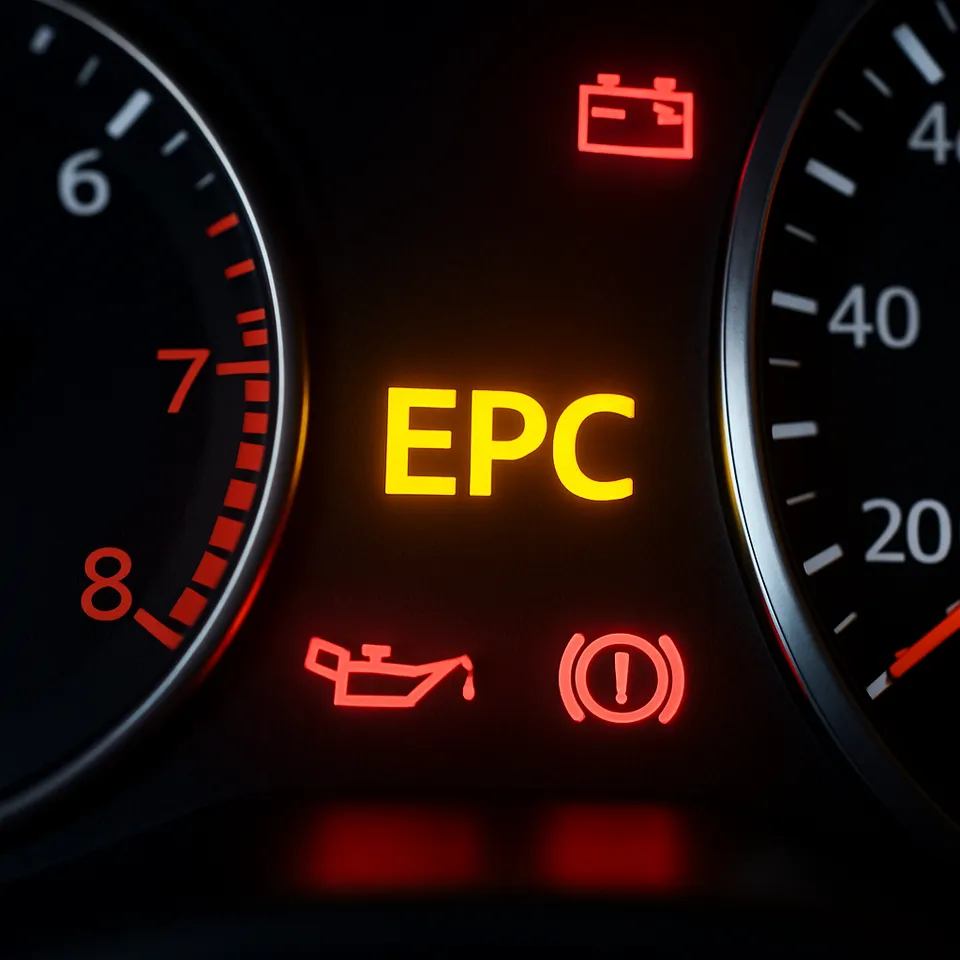
The EPC indicator appears as a yellow “EPC” text on the instrument cluster. It illuminates briefly when the ignition is turned on (self-test) and should go out after a few seconds. If it stays on or comes on while driving, the ECU has detected a fault.
| Common cause | Typical symptom | Affected models |
|---|---|---|
| Dirty or faulty throttle body | Reduced power, uneven idle | Golf, Passat, Audi A3/A4 |
| Accelerator pedal position sensor mismatch | No response to throttle input | All VAG with electronic pedal |
| Wiring or connector corrosion | Intermittent EPC light | Older models, high-humidity regions |
The most relevant fault code for EPC-related issues is P0121 (throttle/pedal position sensor circuit).
How to diagnose and fix an EPC warning
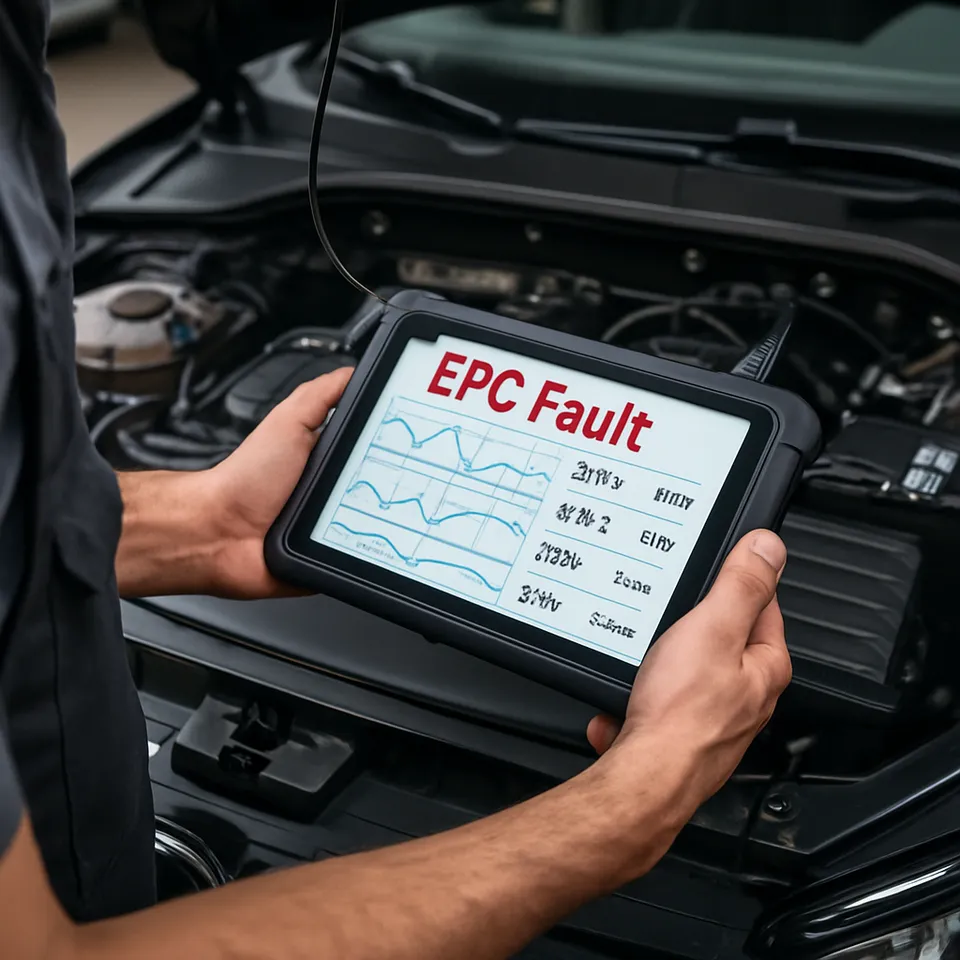
Diagnosing an EPC warning requires reading the fault codes with an OBD-II scanner:
- Connect an OBD-II adapter to the vehicle’s diagnostic port.
- Run a full system scan — this identifies which module triggered the EPC light and provides the specific DTC.
- Inspect the throttle body — carbon buildup on the throttle plate is a frequent cause of EPC on VAG cars and can often be resolved with cleaning rather than replacement.
What to do: the car will typically enter a safe (limp) mode with limited RPM and speed. You can continue driving to a garage, but do not ignore the warning. For a full list of dashboard indicators, see the warning lights hub. The documentation covers how to connect an OBD-II scanner step by step.
Comments …
Loading…